Google knows roughly seven categories of fact about a logged-in user (Search, YouTube, Location, Gmail, Photos, Maps, Voice and Android), surfaces most of them in eight dashboards you can audit today, and quietly collects a second layer (Chrome telemetry, Privacy Sandbox Topics, enhanced-conversion hash matches, cross-site embeds) that never appears in My Activity. The fastest way to see the visible half is myactivity.google.com plus a Google Takeout export. The invisible half is harder, mostly because it is documented in Privacy Sandbox and ads docs rather than in the consumer dashboard.
Quick Facts
| Spec | Value |
|---|---|
| Chrome global browser share (2026) | ~65% (StatCounter) |
| Sites with GA4 installed (BuiltWith) | ~30 million live sites |
| Google Takeout product coverage | 50+ Google products |
| Search Console export window | 16 months |
| GA4 free user-level retention | 14 months |
| Web and App Activity auto-delete | 3, 18, or 36 month options |
| Location History auto-delete | 3 or 18 months |
| Safari ITP 2.3 client-side cookie cap | 7 days |
| EU consent banner refusal rate | 30-60% (industry surveys) |
| GA4 360 industry-reported pricing | ~$150,000 per year starting |
| Pew Research 2023 "little/no control" | 73% of Americans |
| CNIL fine for consent banner (Google) | EUR 150 million, January 2022 |
| Third-party cookie deprecation status | Paused July 2024 |
The picture below is from the visitor's side. If you also operate a site, the closing section flips the camera: your tags are part of what every visitor's profile gets fed, and that part you can actually change.
What Google knows about you (the inventory)
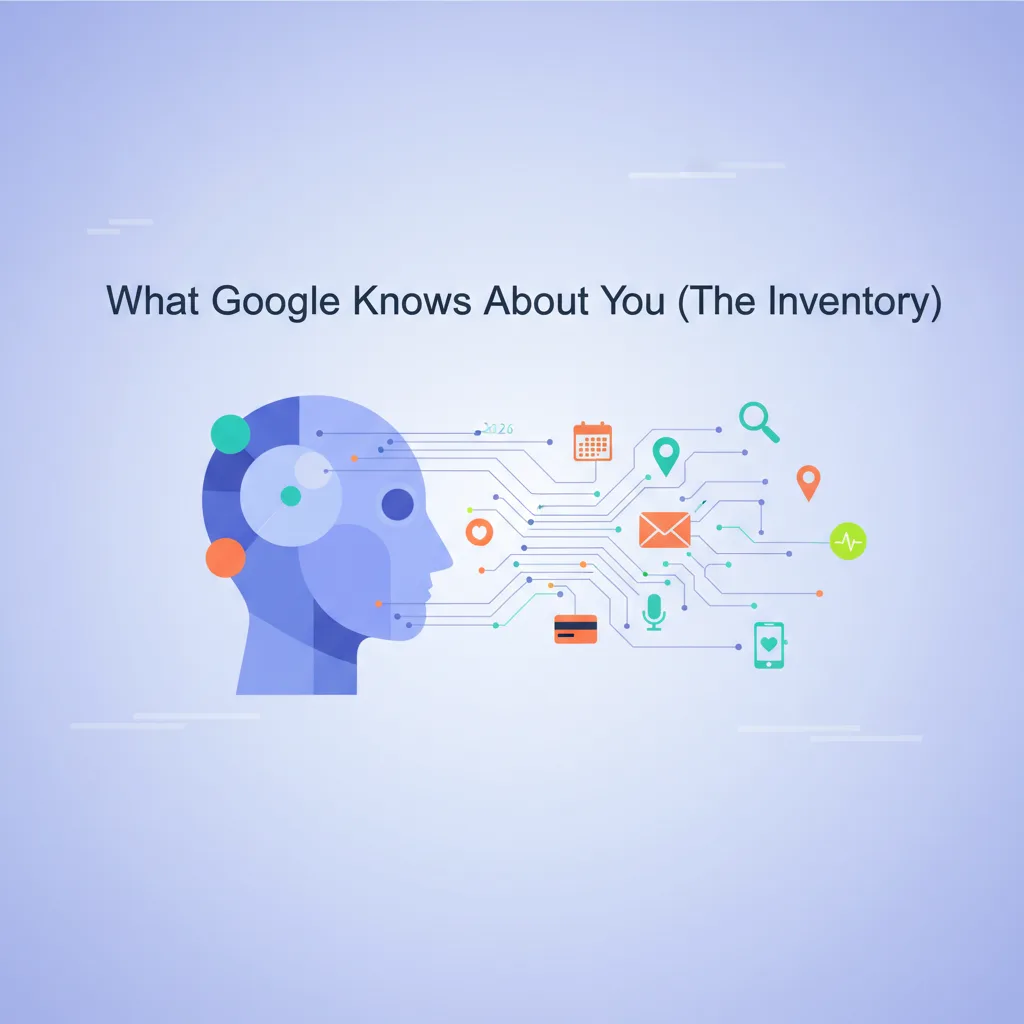
Seven categories, all documented in Google's own privacy policy and the help docs underneath it.
1. Search history. Every query you ran while signed in lands in My Activity, tagged with timestamp, device, and the originating product (Google Search, Google Images, Discover). If Web and App Activity is on (the default), the history sticks around until the auto-delete window you set (3, 18, or 36 months). If you used voice search, the audio is stored separately under Assistant activity. Search history is the single richest signal Google has about your interests, because the query is something you actively typed.
2. YouTube watch and search history. YouTube watch history and YouTube search history are separate settings from Web and App Activity. Both default on. They drive recommendations, the YouTube algorithm, and (because YouTube is logged-in Google) feed back into Google Ads' interest-targeting graph. You can pause both, delete chunks of history, or auto-delete on the same 3 to 36 month cadence per the YouTube History support page.
3. Location and Maps Timeline. Location History is a per-device opt-in, but the share of Android users who never touched the default is large. When on, the Location Timeline records every place you stopped at, the route between stops, the mode of transport (walking, driving, transit) inferred from sensor data, and a labeled history of "places you go." Google moved most Timeline data on-device in 2024, but the inference pipeline still runs and the data lands in your account view.
4. Gmail metadata plus Purchases. Gmail message bodies are scanned for product features (smart compose, replies, calendar suggestions), not ads (Google stopped that practice in 2017). What Gmail does still do is parse receipt-shaped emails into the Google Account Purchases tab. Every Amazon order confirmation, every Stripe receipt that hit your inbox, every Uber Eats summary, all aggregated into a structured purchase history. The Purchases tab is a quietly accurate spending record for most people.
5. Google Photos. Faces auto-grouped (when face grouping is on, default in most regions), places extracted from EXIF, objects detected by the on-device ML model. Photos is where Google's vision pipeline turns into structured metadata about who you spend time with and where you have been.
6. Google Maps activity. Beyond Location Timeline, Maps stores your home and work labels, saved places, reviews you posted, photos you uploaded to listings, and the directions you queried. The directions log is a separate stream from Location History and persists even if Location History is paused.
7. Voice and Android signals. Google Assistant queries are stored under Voice and Audio Activity (a separate switch from Web and App Activity). Android device signals, app launches if Web and App Activity is enabled, and Android backup data (apps, settings, Wi-Fi passwords) all land in your account if you sync the device. The Android side is meaningfully bigger than the iOS side because the OS itself is a Google product.
The seven categories together cover almost everything a typical Google account holder produces while signed in. The honest caveat: this is what Google admits to storing in a place you can audit. The next H2 covers what is stored elsewhere.
How to see exactly what Google has on you (and download it)
Eight surfaces, eight links. Run through them in order on a Saturday morning with coffee. The first time I did this I found a 2018 search for "best espresso machine under $400" that explained why my Discover feed had been pushing De'Longhi reviews for six years.
- My Activity: myactivity.google.com
What you'll find: every Search query, every YouTube watch, every Assistant request, every Maps query (if Web and App Activity is on). Filter by date or by product. This is the dashboard most people mean when they ask "what does Google know about me." - My Ad Center: myadcenter.google.com
What you'll find: the demographic guesses Google made about you (age range, gender, language, household income bracket where allowed) plus the topic and brand interests it inferred from your behavior. This is the ad-profile half. You can switch off personalized ads here. - Location Timeline: timeline.google.com
What you'll find: a calendar of places you have been, routes taken, and the mode of transport. Showing zero data is normal if you never enabled Location History; otherwise expect years of detail. - Google Takeout: takeout.google.com
What you'll find: a one-click raw export of 50+ Google products including Gmail, Drive, Photos, Calendar, YouTube, Maps, and Search history. Arrives as a zip (or split archive for large accounts). For a typical user with a few gigabytes of Drive and Photos, the export takes minutes. For multi-terabyte accounts, hours to days. - Saved Passwords: passwords.google.com
What you'll find: every credential Chrome saved to your account, the sites they belong to, and any breach warnings against them. This is the credential layer of your identity that Google holds. - YouTube Watch History: myactivity.google.com/product/youtube
What you'll find: every video watched while signed in plus YouTube search queries. Separate from My Activity's combined view; this one is YouTube-only. - Google Maps Timeline export: google.com/maps/timeline
What you'll find: timeline view of visited places. Has its own export and auto-delete settings independent of Location History. - Security Checkup: myaccount.google.com/security-checkup
What you'll find: the devices signed into your account, third-party apps with OAuth access, recent security events, and any compromised-credential alerts. Useful for spotting old laptops you forgot to sign out of.
Pew Research's 2023 Americans and Privacy survey found roughly 73% of US adults say they have little or no control over what companies collect about them, per the Pew study. The eight dashboards above do not change that ratio meaningfully, but they at least move you from "I have no idea" to "I have read the receipt."
What Google knows about you that is NOT in My Activity

This is the part people miss. My Activity is the consumer-facing dashboard. There is a second tier of data that Google stores about you for ad-side and infrastructure-side use, and most of it is documented in the Privacy Sandbox docs rather than the privacy policy itself.
Chrome telemetry. Chrome holds roughly 65% global browser share per StatCounter. When you use Chrome (signed in or not), it sends Core Web Vitals samples to the Chrome User Experience Report for every page that meets a popularity threshold. Safe Browsing checks every URL you visit against Google's index. Chrome Sync (if signed in) replicates bookmarks, history, passwords, autofill, and tab state to Google's servers. None of this shows up in My Activity. The Privacy Sandbox docs cover the architectural intent; the Mozilla Foundation's Privacy Not Included guides walk through how it differs from Firefox's approach.
Privacy Sandbox Topics API. Since 2024, Chrome computes interest "topics" on-device from your browsing history, then exposes them to ad networks at request time. The categorization runs in Chrome (which Google owns), the topics surface in Google's ad auction (which Google also owns), and the publisher just sees "Topic 23: Travel and Transportation" arrive in the ad request. The mechanism is laid out in the Topics API docs. Topics do not appear in My Activity because Google's argument is that they were never "stored" in the legacy sense, they were computed on-device. Whether that distinction satisfies you is a separate question.
Enhanced-conversion hash matches. When a site you used Google Ads to find runs enhanced conversions, it SHA-256 hashes your email or phone number (whatever you typed on their checkout form) and uploads the hash to Google Ads. Google's ad systems match that hash against your logged-in Google account's hashed email. If it hits, Google now knows you converted on that advertiser's site. The match is fuzzy across millions of advertisers, and it stays inside Google's ad graph, not your account view. You do not see "I matched on hash from acme.com" in My Activity, but Google's ad systems do.
Gmail receipts auto-parsed. Gmail's structured-data extractor reads order confirmations, flight itineraries, hotel bookings, and event tickets, then routes them into Google Pay's Purchases and Calendar. The body text is not used for ads (since 2017), but the structured extraction means Google effectively has a near-complete history of your online purchases for any account where you receive receipts in Gmail. That is a different surface from the ad profile and most people forget it exists.
Cross-site fonts, reCAPTCHA, AdSense, GA4. Every site that embeds Google Fonts, reCAPTCHA, an AdSense ad slot, or the GA4 tag sends Google a request when you load the page. BuiltWith data puts GA4 alone on roughly 30 million live sites. The request carries your IP, User-Agent, the page URL, and (for ads tags) any gclid or click ID that ties the visit to a Google Ads campaign. From the visitor's side this is invisible: there is no notification, no entry in My Activity, no opt-out short of a content blocker. The Electronic Frontier Foundation's Behind the One-Way Mirror report documents the architecture; we walked through the operator side in cross-site tracking after ITP.
The five streams together explain the gap between "My Activity says it has 1,400 entries on me" and "Google's ad systems can target me with eerie precision." The dashboard is a curated window. The window does not show the whole house.
The cross-site flow: how every website you visit reports to Google
A meaningful share of you also runs a website. Treat the diagram below as a mirror of what your own visitors experience.
Six common ways the page you are reading right now is probably reporting to Google. Five of them you cannot see, and the sixth (GA4) is only visible to the site operator, not you.
GA4. The dominant analytics stack, on about 30 million live sites per BuiltWith's analytics tag tracker. Every pageview fires an event to region1.google-analytics.com with the page URL, your IP, User-Agent, the GA4 client ID stored in a first-party cookie, and any UTM parameters the operator passed. If the operator runs Google Ads as well, that GA4 stream feeds Smart Bidding.
Google Ads click tracking and gclid. When you click a Google Ads result, a gclid query parameter is appended to the landing URL. The landing page captures it (manually or via GA4), and any subsequent conversion is tied back to that click. Enhanced conversions then SHA-256 hash your email or phone if you submit one, and Google's ad systems match the hash against your logged-in identity.
Google Fonts. Embedding fonts.googleapis.com means every page load fetches font CSS from Google. The request includes your IP and User-Agent. A 2022 German court ruled this constituted unlawful data transfer under GDPR, leading to a wave of self-hosting font setups. Most operators kept using Google Fonts anyway.
reCAPTCHA v3. The invisible captcha that scores you 0.0 to 1.0 for "humanness." It sets a third-party cookie on google.com and tracks your behavior across every site that uses it. The score is computed using cross-site signals you never see.
AdSense. The display-ad network. AdSense slots use Privacy Sandbox Topics (computed on-device by Chrome) plus a logged-in cookie (where present) to choose which ad to show. The slot's HTTP request feeds Google's ad graph regardless of clicks.
YouTube embeds. Any page with a <iframe src="youtube.com"> loads the YouTube player chrome from Google. If you are signed into YouTube, the embed knows it, and the playback (including hovers and partial views) is logged against your account.
The CNIL fined Google EUR 150 million in January 2022 over a consent banner design that made rejecting cookies harder than accepting them. Even after that ruling, the technical mechanisms above stayed in place. The fine changed the banner UX; it did not change the cross-site graph.
Google paused full third-party cookie deprecation in July 2024. Many operators read that as "Google gave up on Privacy Sandbox." It did not. The Topics API, the Protected Audience API, and the Attribution Reporting API still ship in Chrome, just alongside third-party cookies instead of replacing them.
Side-by-side: what Google sees vs. what My Activity shows
The cleanest way to read the gap is row by row. Eight records, three columns.
| # | What Google sees / stores | What My Activity shows you | Where the gap lives |
|---|---|---|---|
| 1 | Every Search query you ran signed in | Same, plus product breakdown | None meaningful, this is the surface |
| 2 | Every YouTube video watched signed in | Same, separate YouTube switch | None, separate dashboard |
| 3 | Location Timeline with mode of transport | Same in Maps Timeline | None for logged-in Location History users |
| 4 | Gmail receipts parsed into Purchases | Purchases tab in Google Account | Visible if you know where to look |
| 5 | Chrome telemetry (CWV, Safe Browsing, Sync) | Nothing | Privacy Sandbox docs, not consumer dashboard |
| 6 | Privacy Sandbox Topics computed on-device | Nothing | Topics live in Chrome, exposed only to ad networks |
| 7 | Enhanced-conversion hash matches | Nothing | Inside Google Ads' identity graph |
| 8 | GA4 / Ads / Fonts / reCAPTCHA pixel hits across the web | Nothing | Site operators' tags fire to Google, not to you |
Five of the eight rows are entirely outside My Activity. That is the structural answer to "why does Google seem to know more about me than the dashboard suggests": because the dashboard covers your account, not Google's full graph.
For a directional sketch of the ratio (rough, not measured):
Google's full view   ████████████████████████████████████████ 100%
My Activity shows    ████████████████████████░░░░░░░░░░░░░░░░  ~60%
  - hidden: Chrome   ░░░░░░░░░░░░░░░░░░░░░░░░░░░░░░░██████░░░  ~15%
  - hidden: Topics   ░░░░░░░░░░░░░░░░░░░░░░░░░░░░░░░░░░░██████  ~10%
  - hidden: Ads hash ░░░░░░░░░░░░░░░░░░░░░░░░░░░░░░░░░░░░░░███   ~8%
  - hidden: cross-site░░░░░░░░░░░░░░░░░░░░░░░░░░░░░░░░░░░░░░██   ~7%
The four hidden bars overlap somewhat (a Chrome user is also subject to Topics, Ads hashing, and cross-site embeds in the same session). Treat the percentages as the sketch, not a measurement. The shape is the point.
What you can and cannot turn off
The actionable controls, ranked by how much they actually change.
You can turn off: Web and App Activity (kills the main My Activity stream, breaks personalization). YouTube Watch History and Search History (separate). Location History (kills Maps Timeline going forward, does not retroactively delete). Personalized ads in My Ad Center (Google still receives the data, just stops using it for targeting). Voice and Audio Activity (kills Assistant transcript storage). Auto-delete on 3, 18, or 36 month cycles for most of the above.
You can partially turn off: Chrome Sync (turn off sync, but Chrome still runs Safe Browsing checks and reports anonymous CWV samples to CrUX). Gmail receipt parsing (you can delete entries from Purchases, but the extractor still runs on new mail). Photos face grouping (off in EU by default, on elsewhere).
You cannot turn off: Privacy Sandbox Topics computed on-device by Chrome (only the ad-network exposure can be partially blocked). Enhanced-conversion hash uploads by advertisers using Google Ads (those happen on the advertiser's side, not yours). Google Fonts, reCAPTCHA, AdSense pixel hits when you visit a third-party site (your only option is a content blocker like uBlock Origin). The fact that Search Console, Google Ads, and Smart Bidding are receiving data from sites you visit (the operator decides, not you).
Two honest caveats. First, pausing a setting stops the recording going forward but does not retroactively delete what is already stored unless you also run a delete or set an auto-delete window. Second, the controls live in 4 different places (Google Account, Chrome, YouTube, Maps) and the UI changes regularly, so the exact path may shift.
I tried running with Web and App Activity paused for six weeks on my own account in 2024 to see what broke. Search worked fine. Maps lost some "places you might like" suggestions. Discover got noticeably worse (its feed depends almost entirely on Web and App Activity). YouTube recommendations stayed roughly the same because YouTube History is a separate switch. Net experience: the things I wanted to keep mostly worked; the personalization I did not need quietly degraded.
If you also run a website: the part of this you actually control
A meaningful share of readers running a SaaS, ecommerce site, or content property. If you are one of them, the camera now flips. Everything in this article from the visitor side has an operator side, and the operator side is the part you can change without expecting Google or any regulator to fix it for you.
Your stack probably includes at least four of these: GA4, Google Ads tags, Google Fonts (often via a CSS framework default), reCAPTCHA (login or checkout protection), AdSense or YouTube embeds (content sites). Each one fires a request to Google on every pageview. The visitor's profile gets one more data point per tag per visit. Multiplied by your traffic, your site is a non-trivial contributor to the cross-site graph.
What you can swap, in order of difficulty:
1. Self-host Google Fonts. Lowest-effort change. Download the WOFF2 files, serve them from your own domain. Removes a Google request from every pageview. The Web Almanac and accessibility audits show this is a 30-minute job for most sites. Mozilla's Privacy Not Included coverage of Chrome and Fonts spells out the data flow.
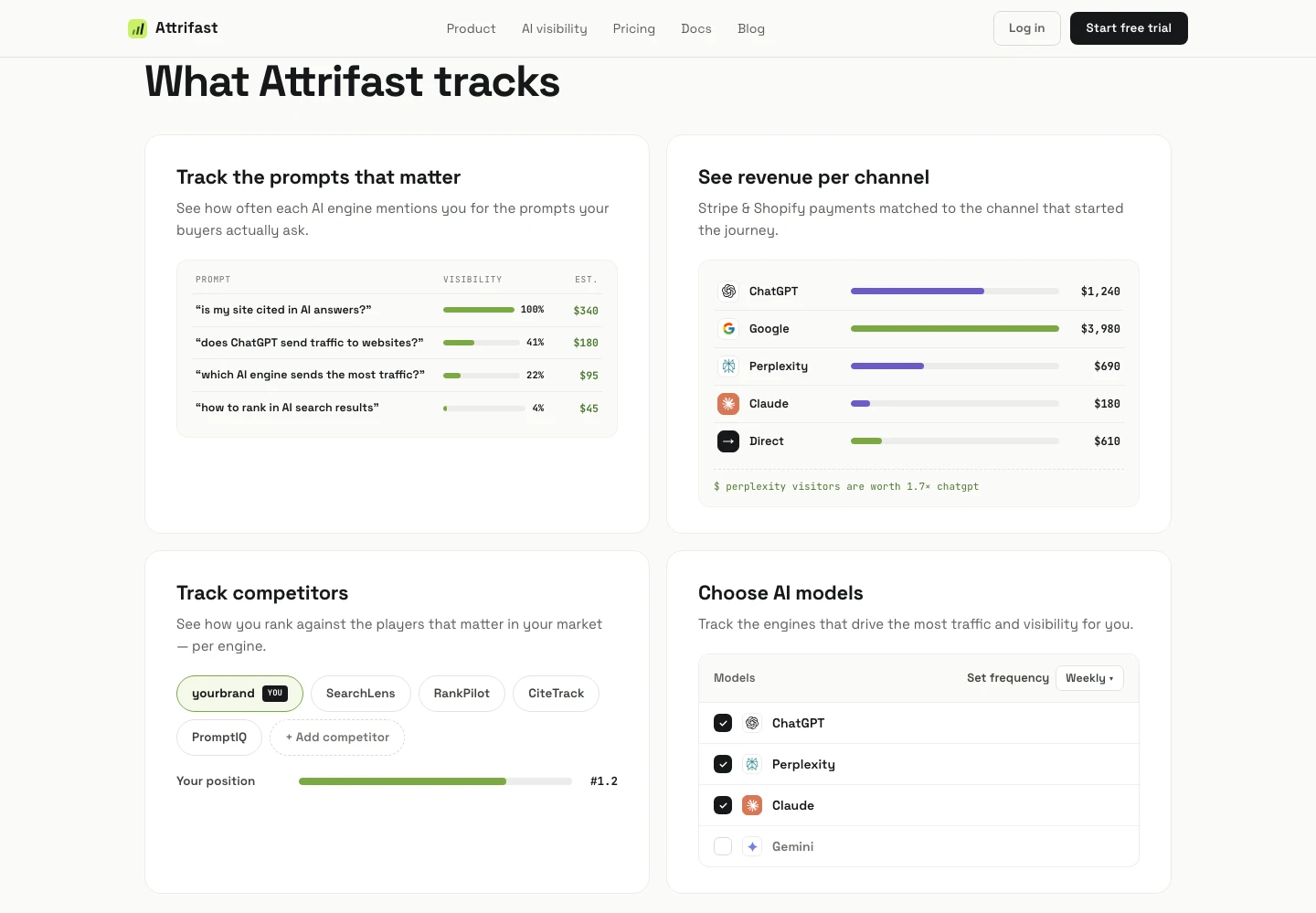
2. Replace GA4 with privacy-first analytics. Harder but bigger impact. The point is not "don't measure anything," it is "measure on your own infrastructure." Plausible, Fathom, PostHog, Umami, and Attrifast all run server-side or first-party only. Attrifast specifically focuses on the cookieless revenue analytics join (channel to Stripe payout) that GA4 cannot do cleanly anyway, and the trade-offs match what I laid out for the GA4 side in GA4 revenue attribution limitations and the operator-side cousin to this article, Does Google know everything about your website?. For a less ambitious starting point that just stops contributing visitor data to Google's graph, any of those four work.
3. Replace reCAPTCHA with a first-party challenge. hCaptcha, Cloudflare Turnstile, or a simple proof-of-work. Removes one cross-site cookie from your site and stops Google from scoring your visitors across the web from your domain.
4. Move conversion measurement first-party. The 4kb Attrifast script captures session data in a first-party cookie set server-side via the Set-Cookie header, so it survives Safari ITP 2.3's 7-day cap on client-side cookies. Stripe webhooks join the payment to the session ID, so you get channel-to-revenue without a single third-party cookie. The capability is the same one I have wired into roughly 40 marketing channels across my own sites and a handful of client SaaS apps. The point is not that Attrifast is the only way (the first-touch vs. last-touch attribution piece walks through the model neutrally); the point is that the join is doable on infrastructure you own.
Honest scope of what this fixes: it stops your site from contributing to the cross-site graph for visitors who would otherwise have been fed to Google through your tags. It does not undo the cross-site graph that already exists, and it does not protect your visitors from sites you do not run. The benefit is the marginal one: one less site in the 30 million-strong GA4 footprint, one less reCAPTCHA score across the web, one less Google Fonts hit. Aggregated across enough operators, that matters. Individually, it is one tag at a time.
For the GEO angle (whether ChatGPT, Perplexity, Claude, and Gemini cite your site and what those AI engines themselves know about your visitors), Google AI Overviews 2026 covers Google's AI-search surface specifically, and cross-site tracking after ITP covers the deprecation timeline.
Limitations
- This article focuses on Google. Meta's identity graph (Conversions API, Pixel) is structurally similar but uses different IDs and surfaces; the controls and dashboards differ.
- Privacy Sandbox is moving. The exact APIs (Topics, Protected Audience, Attribution Reporting) have shipped in stages; specific feature flags may change quarter to quarter. Treat the architecture as stable, the exact endpoints as not.
- The 8-link checklist assumes a standard consumer Google account. Workspace (business) accounts may surface additional admin-managed data and may restrict some self-serve exports.
- Numbers like "30 million GA4 sites" and "65% Chrome share" are point-in-time and from third parties (BuiltWith, StatCounter); they will shift quarterly. The order of magnitude is the stable claim.
- Regional differences are real. EU users have stronger consent rules under GDPR; UK has the ICO; California has CPRA. The dashboards are global, but the defaults and the data-deletion rights vary.
FAQ
What does Google actually know about me?
More than what My Activity shows. The visible record covers Search queries, YouTube watch history, Maps and Location Timeline, Gmail metadata plus the Purchases pulled from receipts, Google Photos with face groups, Google Play activity, and Assistant voice queries. The invisible record adds Chrome telemetry, Privacy Sandbox Topics from your browsing, enhanced-conversion hash matches from sites you signed in to, and signals from any page that embeds Google Fonts, reCAPTCHA, AdSense, or GA4. Roughly 30 million live sites carry at least one of those tags per BuiltWith, so the cross-site graph is wide even when My Activity looks tidy.
How do I see what Google has on me?
Start at My Activity (myactivity.google.com) for Search, YouTube, and Assistant, then My Ad Center (myadcenter.google.com) for the ad-profile inferences, the Location Timeline (timeline.google.com) for visited places, and Google Takeout (takeout.google.com) to export raw data from 50+ products. Add YouTube Watch History, Google Maps Timeline, Saved Passwords, and Security Checkup for the full picture. The eight surfaces together cover almost everything Google admits to storing about you as a logged-in user.
What does Chrome send to Google that My Activity does not show?
Chrome reports Core Web Vitals from your real browsing to the Chrome User Experience Report, syncs bookmarks and passwords if you signed in, runs Safe Browsing URL checks against Google's index, and (since 2024) computes Privacy Sandbox Topics on-device that Google's ad systems can query. None of that surfaces in My Activity. The Chrome telemetry layer is documented in Google's privacy and Privacy Sandbox docs, not the consumer-facing dashboard.
Does turning off Web and App Activity actually stop Google from collecting data?
Partly. Pausing Web and App Activity stops the data from being saved to your account, which removes it from My Activity and from personalization. It does not stop Google Ads from receiving anonymous conversion signal from sites you visit, does not stop Search Console or analytics data from accruing on the site operator's side, and does not stop Chrome telemetry. Google's own help docs note the auto-delete options run on 3, 18, or 36 month cycles, and several streams (Location Timeline, YouTube, Maps) have separate switches you must toggle individually.
Can I download everything Google has on me?
Most of it, through Google Takeout. Takeout exports data from 50+ Google products including Gmail, Drive, Photos, Maps, YouTube, Calendar, and Search history. The export arrives as a zip or split archive and can take minutes for small accounts or hours to days for accounts with multi-terabyte Drive and Photos. What Takeout does not include: Chrome telemetry tied to your account, Privacy Sandbox Topics, ad-targeting inferences (those live in My Ad Center), and any aggregated signals Google derived from your behavior.
If I run a website, does every visitor's Google profile get fed by my tags?
If your site has GA4, Google Ads tags, Google Fonts, reCAPTCHA, AdSense, or any embedded YouTube, then yes. BuiltWith puts GA4 on 30 million+ live sites. Each pageview hits Google with the visitor's IP, User-Agent, the page URL, and (for ads tags) the gclid that ties them back to a campaign. Enhanced conversions hash the visitor's email or phone and match against Google's logged-in graph. From the visitor's side it is invisible. From the operator's side it is the default analytics stack.
References
- Google Privacy Policy
- Google My Activity
- Google Takeout
- Google My Ad Center
- Google Account Purchases
- Chrome User Experience Report (CrUX)
- Privacy Sandbox Topics API
- Google Ads enhanced conversions
- Google Ads gclid documentation
- Google Analytics Consent Mode v2
- YouTube History support
- WebKit Tracking Prevention Policy (ITP)
- GDPR.eu: How to process personal data
- EFF: Behind the One-Way Mirror
- Mozilla Foundation: Privacy Not Included
- Pew Research: Americans and Privacy 2023
- StatCounter Browser Market Share
- Bounteous: GA4 360 pricing comparison
- Stripe webhooks documentation
- CNIL: Google EUR 150 million fine
- Privacy Sandbox update, July 2024
- BuiltWith analytics trends