Guide

How to track which marketing channel drives revenue

Vincent Ruan
Vincent RuanFounder, Attrifast ·

You know your traffic sources. You know your total revenue. But do you know which channel actually generates paying customers — and which one just burns budget? This guide compares three methods for connecting marketing channels to real revenue, ranked by cost, accuracy, and setup time.

Updated March 2026 · 10 min read
TL;DR
  • Google Analytics shows traffic, Stripe shows revenue — neither connects the two.
  • Three methods: manual spreadsheets (low accuracy, free), enterprise platforms ($175-500/mo), and lightweight tools ($0-29/mo, 90-100% accuracy).
  • Most SaaS products report 40-60% of revenue as "unattributed" without proper tracking.
  • Privacy-first attribution requires zero maintenance and works without cookies or consent banners.

The attribution problem: traffic source ≠ revenue source

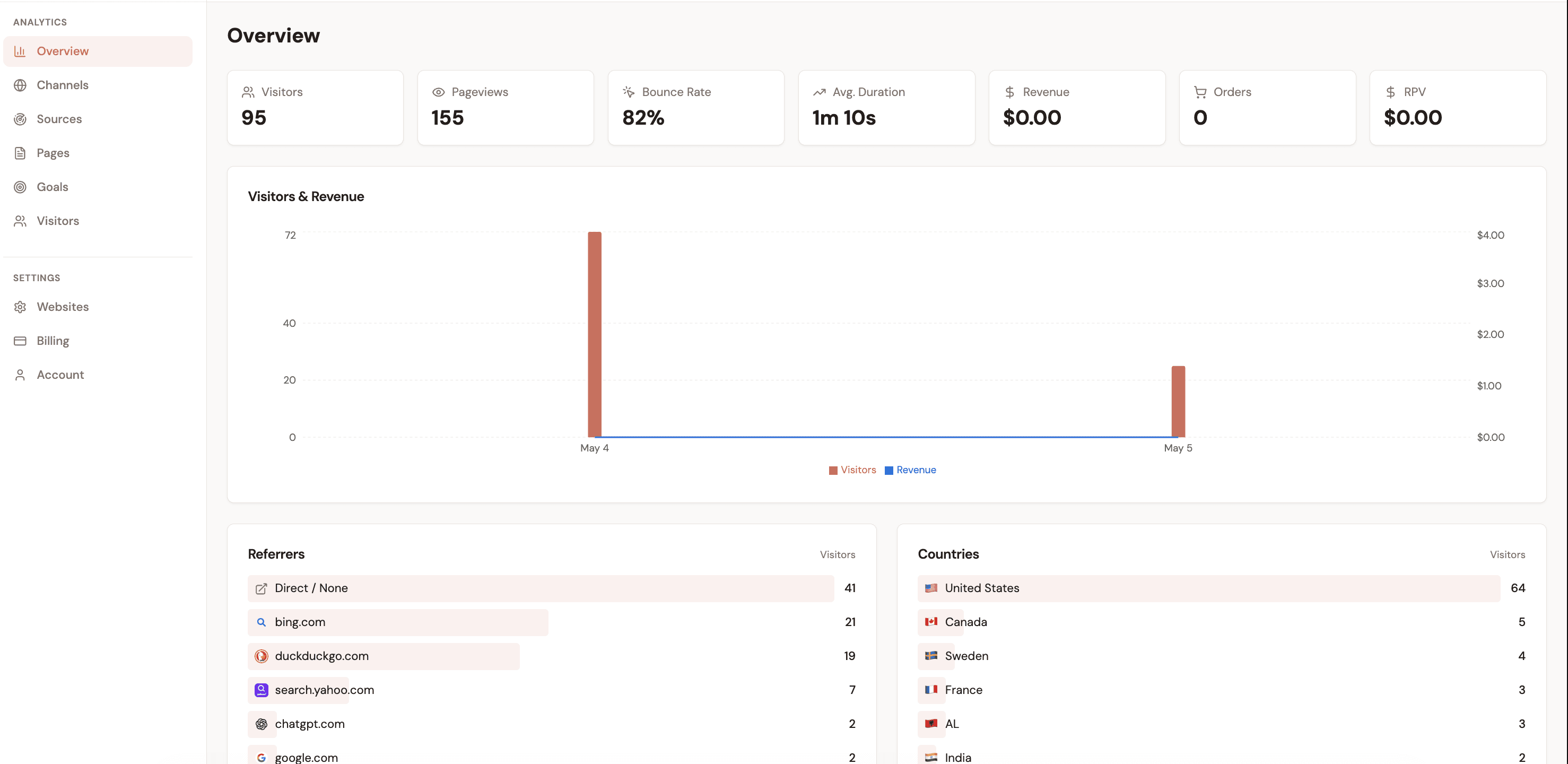
Google Analytics shows you traffic. Stripe shows you money. Neither tool tells you which traffic source generated that money. That blind spot is the attribution problem — and it quietly distorts every marketing decision you make.

A channel can send 10,000 visitors a month and produce zero revenue. Another can send 200 visitors and drive 80% of your conversions. Without attribution, you'll keep feeding the first one and starve the second.

What you can see today
  • 6,400 visitors from Google Organic
  • 1,800 visitors from Paid Search
  • 950 visitors from Twitter / X
  • $14,200 total Stripe revenue this month
What you actually need to know
  • Google Organic → $2,100 (RPV $0.33)
  • Paid Search → $8,500 (RPV $4.72)
  • Twitter / X → $3,600 (RPV $3.79)
  • Paid Search has 14x better ROI than Organic

Both dashboards are true. But only the second one tells you where to spend next month's budget. The three methods below each solve this gap — at very different price points, accuracy levels, and effort requirements.

Method comparison matrix

Three ways to connect marketing channels to revenue — ranked by real-world cost, accuracy, and the setup time you actually need to invest.

Manual spreadsheet

Export Stripe + GA, join in Sheets

Setup

2–4 hours

Weekly effort

1–2 hrs/week

Monthly cost

$0

Accuracy

Low (30–50%)

Enterprise platform

SegMetrics, Cometly, Northbeam

Setup

1–2 days

Weekly effort

30 min/week

Monthly cost

$175–500/mo

Accuracy

High (80–90%)

Lightweight tool

Attrifast

Recommended
Setup

2 minutes

Weekly effort

0 min/week

Monthly cost

$0–29/mo

Accuracy

High (90–100%)

Method 1

Manual spreadsheet: export Stripe + GA, join in Sheets

The manual approach means exporting a revenue report from Stripe and a traffic report from GA4, then joining them in a spreadsheet on a shared key — usually a UTM campaign name or a date range. It's the zero-cost starting point that most founders try first.

Step-by-step walkthrough

1

Export Stripe payments

In Stripe, go to Payments → Export. Download a CSV with payment date, amount, and customer metadata. If you collect UTM data in Stripe metadata fields, export that too.

2

Export GA4 traffic by source

In GA4, create an Acquisition report filtered by Session source / medium. Export to CSV. You now have visitor counts per channel per date.

3

Join in Google Sheets

Use VLOOKUP or QUERY to match Stripe payments to GA4 sessions. If you have UTMs in Stripe, join on campaign name. Otherwise, use date-based correlation (less accurate).

4

Calculate RPV manually

Divide revenue per channel by sessions per channel. This is your Revenue per Visitor — the key metric for comparing channel quality.

Pros
  • Zero monthly cost
  • No technical installation
  • Full control over the data
  • Works for very low transaction volume
Cons
  • 1–2 hours of manual work every week
  • Only 30–50% accuracy (cookie loss, time matching)
  • Breaks down past ~20 transactions/month
  • No individual-level journey tracking
  • Prone to human error during joins
Verdict

Viable for fewer than 10 transactions per month. Once you're growing, the weekly time cost and low accuracy make it the most expensive method in disguise.

Method 2

Enterprise attribution platform: when it makes sense

Enterprise attribution platforms — SegMetrics, Cometly, Northbeam, and Triple Whale — offer multi-touch attribution with native Stripe integrations. They're genuinely powerful. They're also genuinely expensive, and built for a different customer profile than most bootstrapped founders.

Pricing breakdown

PlatformStarting PriceBuilt for
SegMetrics$175/moInfo products, SaaS
Cometly$199/moDTC, paid ads heavy
Triple Whale$129/moShopify DTC brands
Northbeam$500+/moHigh-spend DTC

When enterprise platforms make sense

You spend $20,000+ per month on paid ads and need granular ROAS by campaign
You have a dedicated marketing analyst who will use the platform daily
You need multi-touch attribution across 5+ customer touchpoints
Your average order value is high enough that a $500/mo tool pays for itself in 1–2 saved decisions
Verdict

Excellent tools for the right business. But at $175–500/month, they price out the founder who's making $3,000 MRR and trying to figure out which channel got them there. The setup time (1–2 days) and learning curve add further friction for solo operators.

Method 3 — Recommended

Lightweight attribution tool: how Attrifast fits

Lightweight attribution tools close the gap between the manual spreadsheet (free but inaccurate) and enterprise platforms (accurate but expensive). They connect your payment provider to marketing channels automatically, with minimal setup and no ongoing manual work.

Attrifast works by placing a small, cookie-free tracking script on your site. When a visitor arrives, the script captures their traffic source — channel, UTM parameters, referrer, landing page. When that visitor later completes a Stripe payment, Attrifast joins the two records automatically and attributes the revenue to the correct channel.

Why first-touch attribution works for most founders

Enterprise platforms offer multi-touch models — linear, time-decay, U-shaped. These are valuable when you have thousands of conversions per month and a team to interpret the data. For most bootstrapped founders, first-touch attribution answers the most actionable question: where do paying customers discover you? That single insight is enough to make better budget decisions immediately.

What you get
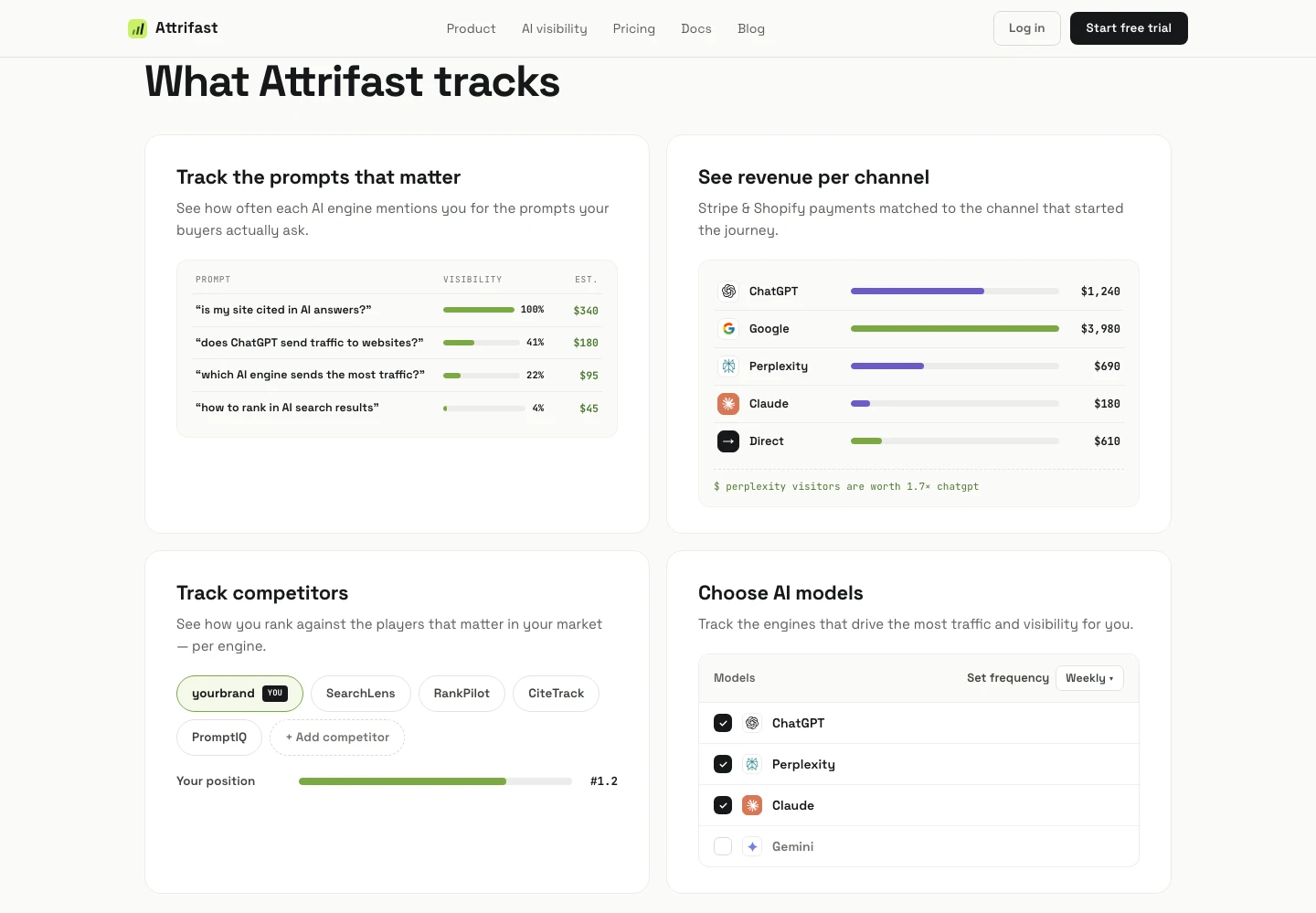
  • Revenue by traffic source, automatically
  • Revenue per Visitor (RPV) per channel
  • Revenue by UTM campaign and landing page
  • Stripe integration, one click
  • Cookie-free tracking (no consent banner friction)
What it costs
  • Free tier: up to 10k monthly events
  • Paid from $29/month
  • 2-minute setup — one script tag
  • Zero ongoing manual work

Metrics that matter when tracking channel revenue

Once you have attribution data, these are the metrics that tell you what to do with it. Not all traffic is equal — and these numbers show exactly how unequal it can be.

Revenue per Visitor (RPV)

Total channel revenue divided by total channel visitors. RPV is the single best metric for comparing channel quality. A channel with 200 visitors generating $800 (RPV $4.00) is worth more than one with 5,000 visitors generating $500 (RPV $0.10). Raw traffic volume is irrelevant without this number.

Channel Revenue

Total revenue attributed to each traffic source in a given period. Use this to understand absolute contribution — how much each channel is worth in dollars. Always read it alongside RPV, because high-volume channels will naturally look best on this metric alone.

Conversion Rate by Channel

What percentage of visitors from each channel complete a purchase? A channel converting at 4% versus 0.4% tells you something important about intent. High-converting channels often warrant higher bids in paid campaigns or more content investment in organic.

Revenue by Landing Page

Which pages do revenue-generating visitors land on first? If your /pricing page converts paying customers at 5x the rate of /blog, that landing page deserves more traffic. Page-level revenue data tells you where to send your hard-won clicks.

Revenue by UTM Campaign

When you run paid campaigns or newsletter promotions, UTM parameters let you attribute revenue to a specific campaign, ad group, or creative. This is how you calculate actual ROAS — not estimated, but real revenue matched to real ad spend.

Step-by-step: connecting channels to revenue

Here is the practical sequence for getting from zero attribution to a working revenue dashboard, using a lightweight tool as the implementation path.

1

Tag all your traffic sources with UTM parameters

Before you can attribute revenue, channels need to be identifiable. Add UTM source, medium, and campaign to every link you share — newsletter, social posts, paid ads, partnerships. Google Analytics captures these automatically; so does Attrifast.

2

Install a tracking script on your site

Paste a single script tag into your site's <head>. This captures the traffic source on every session — channel, referrer, UTMs, and landing page. The script should be lightweight (under 5kb) and cookie-free to avoid consent banner data loss.

3

Connect your payment provider

Link Stripe in one click. The tool securely matches each completed payment back to the original visit session. You don't need to write any code or modify your checkout flow.

4

Let data accumulate for 7–14 days

Revenue attribution requires actual payments. After 1–2 weeks, you'll have enough data to see patterns by channel. Some channels will surprise you — in both directions.

5

Calculate RPV for every channel

Divide the revenue attributed to each channel by the number of visitors from that channel. Sort by RPV descending. The top channels by RPV are where you should be increasing investment.

6

Cut, double down, and test

Pause or reduce spend on channels with high traffic but low RPV. Increase investment in channels with high RPV. Run UTM-tagged experiments to test new channels with a revenue feedback loop from day one.

Revenue per visitor by channel — indie SaaS benchmarks

Source: Composite from First Page Sage, Phoenix Strategy Group, and indie founder dashboards

Stop guessing which channels drive revenue

Connect Stripe and see revenue by channel in 2 minutes. No spreadsheets, no enterprise contracts.

Track channel revenue →

Loved by 500+ users