Free Tool
UTM checker
catch mistakes before they ship.
Paste a campaign URL. Get every UTM problem flagged in one click — missing parameters, case mistakes, duplicates, typos, and tags hiding after a #. No signup.
Every check this tool runs
Missing utm_source
ErrorThe one parameter every analytics tool requires. Without it, the visit falls back to referrer detection and your campaign label is lost.
Duplicate parameters
Errorutm_source appearing twice means tools keep one value — and which one varies by tool. Reports silently disagree.
Empty values
Errorutm_medium= with nothing after it creates "(not set)" rows that are impossible to clean up later.
Parameters after #
ErrorAnything in the URL fragment never reaches analytics. UTMs must live in the query string, before the #.
Uppercase values
Warning"Email" and "email" are two different campaigns in GA4 and every major tool. Case splits data permanently.
Typo parameters
Warningutm_compaign instead of utm_campaign is invisible in the report — the click is counted, the label is gone.
Spaces in values
WarningSpaces encode as %20, are easy to mistype, and produce near-duplicate campaign rows.
Missing medium / campaign
WarningChannel grouping keys on utm_medium; campaign comparison needs utm_campaign. Optional, but you'll want them.
Clean tags are half the job
A validated UTM link guarantees the click gets labeled correctly. It says nothing about whether the click was worth anything. The other half is joining those labels to revenue — which campaigns produced paying customers, not just sessions.
Attrifast joins UTM campaigns to Stripe revenue
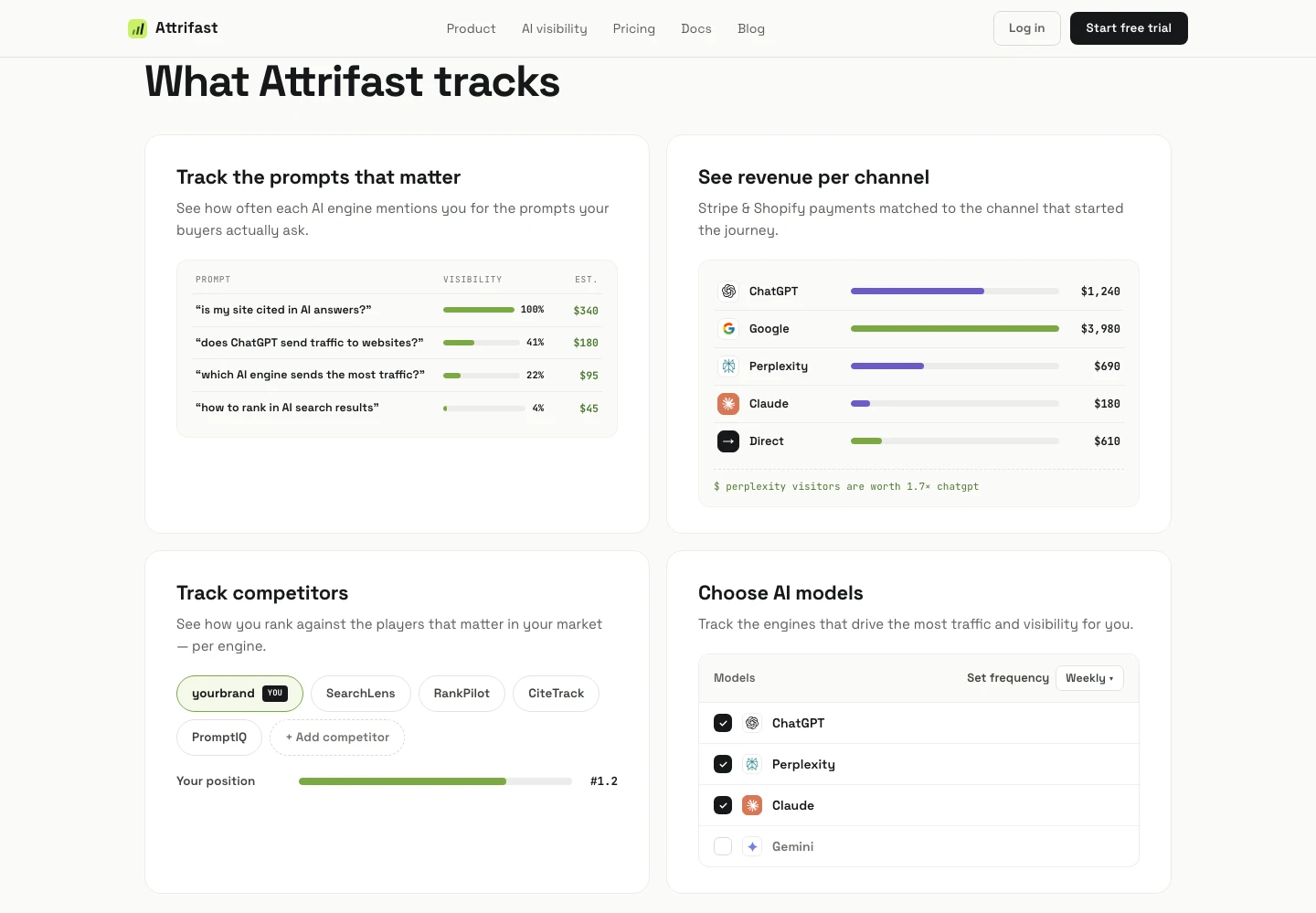
Every source, medium, and campaign matched to real payments, server-side. See revenue per campaign and Revenue Per Visitor per channel — including AI engines like ChatGPT and Perplexity as their own lines. $9.99/mo flat.
See how UTM-to-revenue works →UTM checker — frequently asked questions
What is a UTM checker?
A UTM checker validates campaign URLs before you publish them. Paste a link and it parses every utm_* parameter, then flags the mistakes that corrupt analytics data: missing utm_source, duplicate or empty parameters, uppercase values, typos like utm_compaign, and parameters placed after the # fragment where analytics tools never see them. This one is free and runs entirely in your browser.
Why does letter case matter in UTM parameters?
UTM values are case-sensitive in GA4 and virtually every analytics tool. utm_source=Email and utm_source=email report as two separate sources, splitting one campaign's data into fragments that are very hard to merge afterwards. The fix is a convention: lowercase everything, always — and validate links before they ship.
Why don't UTM parameters after a # work?
Everything after # in a URL is the fragment, which browsers treat as client-side state — it is not part of the query string that analytics scripts read for campaign parameters. A link like example.com/page#utm_source=x delivers the visitor but silently drops the campaign label. UTMs must go in the query string: example.com/page?utm_source=x.
How do I audit UTM links I already published?
Check your analytics tool for the symptoms: campaign rows that differ only by case ("Newsletter" vs "newsletter"), "(not set)" values, and sources that look like typos. Each symptom maps to a link that is still live somewhere. Fix the links you control (emails you can't recall, but bios, docs, and ad URLs you can), then standardize on one naming convention going forward.
Can this checker tell me if my campaign made money?
No — a checker validates the label, not the outcome. To see what a campaign earned you need analytics that joins UTM data to payments. Attrifast does this natively: every UTM campaign, source, and medium is matched to Stripe revenue server-side, so the report reads "$1,240 from july-launch" instead of "500 sessions from july-launch". It costs $9.99/mo flat.
Stop guessing which campaigns pay
Attrifast matches every UTM campaign to Stripe revenue automatically. Clean tags in, revenue truth out — $9.99/mo flat.
- One script tag and a Stripe key — live in minutes
- First-party measurement without third-party cookies
- Recognized AI referrals joined to Stripe payments
7-day free trial · $0 due today · then $9.99/mo · cancel anytime